Official Breakbulk App
-(1).jpg?ext=.jpg)
Your guide to the launch of Breakbulk Asia
Find the right people to meet and plan your visit to the launch of Breakbulk Asia 2026. Use the app to explore the event, connect with attendees and manage your schedule.
Once your registration is confirmed, you’ll receive an email with your login details. Log in using your badge ID, check that your profile is up to date and add a photo so other attendees can recognise you.
Please note: If you’ve just registered, it may take up to an hour before you can log in to the app.


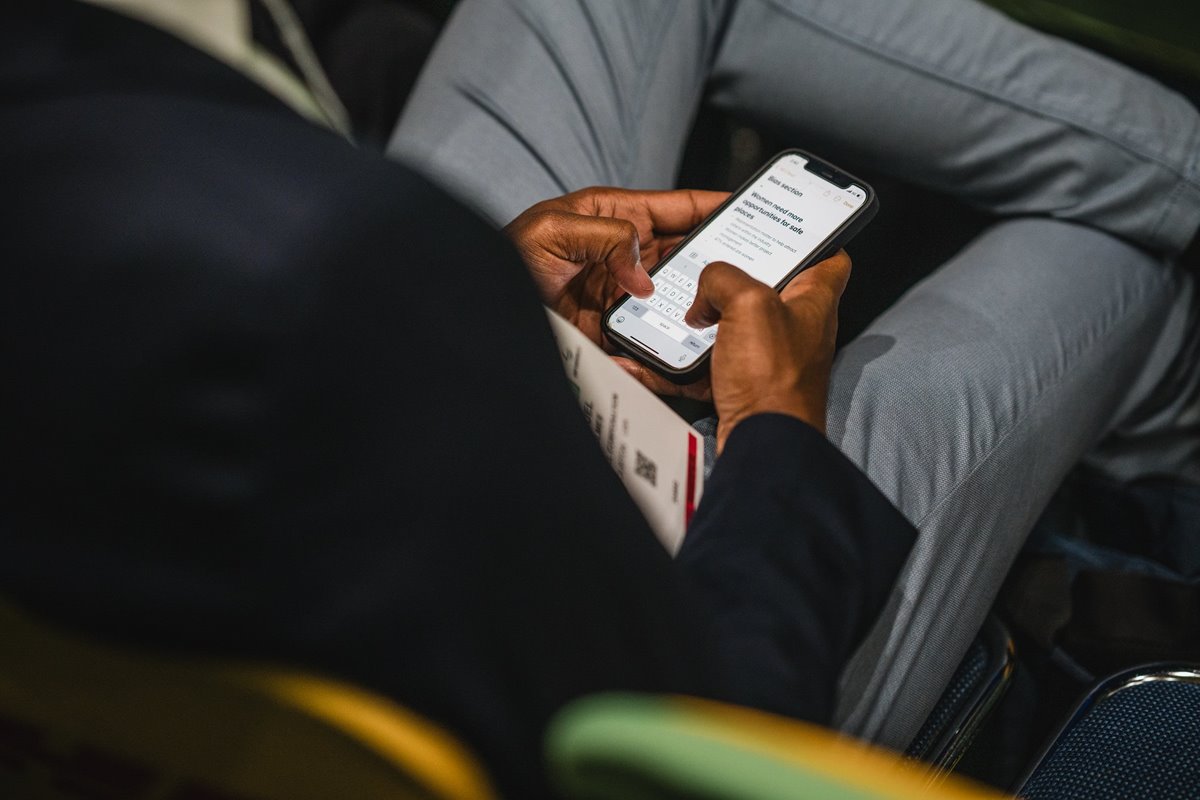
Included in the app:
-
The full exhibitor list and attendee list
-
Event agenda, speaker, and partners list
-
Show floorplan
-
Networking recommendations generated by an intelligent matchmaking algorithm
-
Editable personal schedule
-
Managing your company in the ‘My Team’ section
And more!
Pro tip: Remember to turn on your notifications so you don't miss any announcements!
Why use the Breakbulk app?
The full Breakbulk Asia app will go live for all visitors at the end of October. Get ready to connect, plan your meetings and prepare for your trip to Singapore.
For exhibitors...
-
More qualified leads: be confident that you're meeting serious customers
-
Direct meeting requests: take no chances and set up meetings before you even arrive in Houston
-
Higher booth traffic: more meetings means a busier stand, generating more interest from visitors
-
Extended visibility beyond the show floor: be present before, during and after the show and maximize your ROI
For visitors...
-
Find who matters most: search exhibitors, attendees, and sponsors in seconds
-
Plan ahead: schedule meetings before you even get to Houston
-
Stay informed: get real-time updates, alerts, and recommendations
-
Keep the conversation going: access your contacts after the event
Frequently Asked Questions
You can download it on the App Store and Google Play Store. Every registered attendee receives a temporary password (your registration ID) sent to the email used during registration.
The mobile app provides quick access to event features, schedules, and your connections on the go.
The Breakbulk App includes:
-
Event agenda & sessions
-
Exhibitor directory & Floor Plan
-
Meeting tools
-
Attendee profiles
-
Search & filters
Once you are in the App:
-
Use filters to find people, companies, or products.
-
Contact exhibitors, add to your “Interested” list, and request meetings.
Interaction Rules:
Visitors can browse exhibitor profiles only. Exhibitors have access to both exhibitor and visitor profiles. Viewing the full visitor list in the app is an exclusive benefit available to exhibiting companies.
Option 1: Receive Your Login Details:
After completing registration, you’ll receive a separate email with your login credentials (registration email + temporary password).
Temporary password: This is your one-time access code. Use it to log in for the first time and create your own secure password.
Option 2: Login with Your Registration Email
Enter the same email address used during registration.
If the system does not recognise your password, use your temporary password to access your account.
You will then be prompted to create a new personal password for future access.
Forgot Your Password?
You can request a password reset link anytime.
To access the App via the web:
-
You’ll receive an email with a link to the web version of the app.
-
Bookmark it on your desktop for quick access.
-
The web version includes short tutorial videos and useful guides.
Export Connections (through the web version only): Click your user icon → Export Choose to export Meetings or Connections
Default is that details won't be shown however users have the option to update their contact details to connections only or public under 'edit your profile'.
.png)
Ensure that you’re registered to Breakbulk Asia 2026 and update the app and device software. Reach out to [email protected] if the problem persists.
Yes, meetings will sync to your calendar, and any changes to meetings or sessions will automatically appear. For instance, if a meeting status changes or a sponsor is added to a session, the update will be reflected in your calendar. However, please note that the time it takes for these changes to appear may vary depending on the calendar you're using.
To maintain the quality of networking and ensure meaningful engagements, Breakbulk limits the number of pending meeting requests that can be sent via the app:
-
Shippers: Up to 30
-
Exhibitor representatives: Up to 30
-
General attendees: Up to 10
These limits are in place to:
-
Prevent mass spamming of attendees
-
Encourage targeted and thoughtful outreach
-
Improve response rates and attendee satisfaction
Once pending meetings are either accepted or cancelled, new requests can be made. We also encourage all users to:
-
Use the chat tool to follow up with contacts
-
Cancel unresponsive pending requests after a few days
-
Take advantage of on-site networking opportunities, which remain a core part of the Breakbulk experience
.jpg?ext=.jpg)


.png?ext=.png)







.png?ext=.png)






_3.png?ext=.png)
_1.jpg?ext=.jpg)







.png?ext=.png)
.png?ext=.png)
.png?ext=.png)